Instagram Shopping Setup Guide for Pakistani Ecommerce Brands
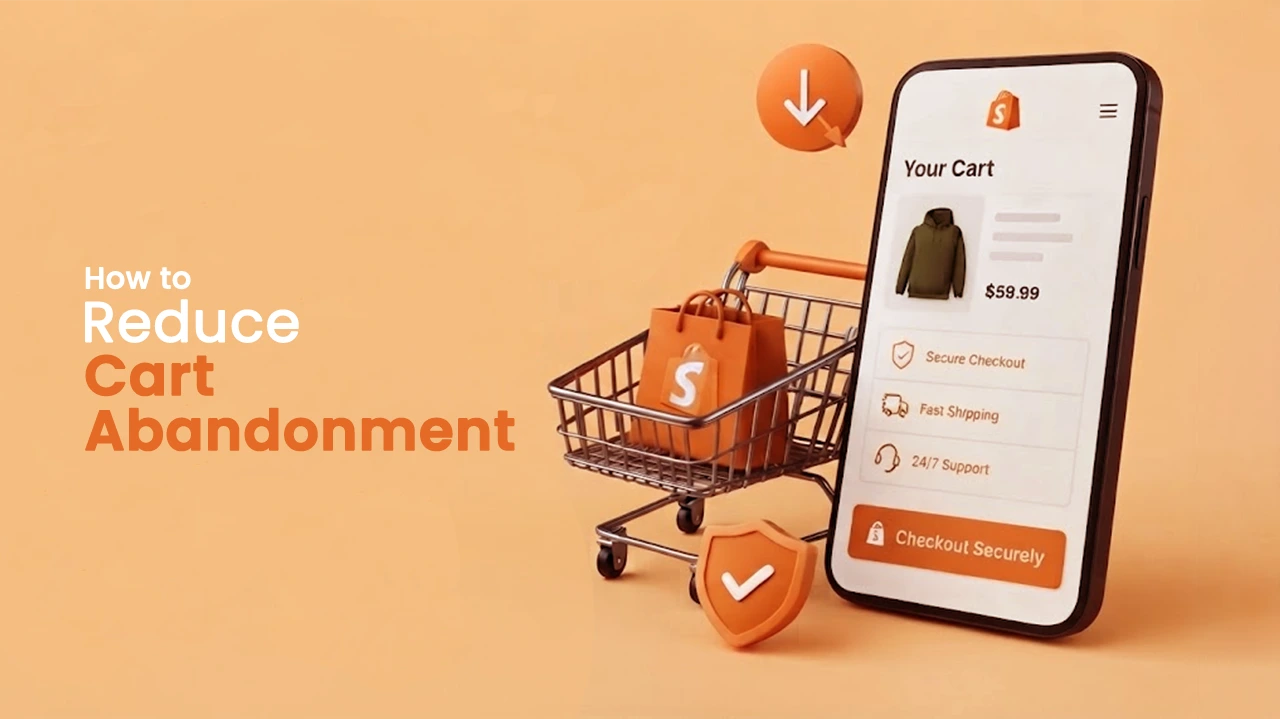
Most Pakistani ecommerce brands use Instagram as a content platform. They post products, build followers, run some ads, and then direct people to the bio link hoping they find their way to a purchase. Every extra step in that path loses people, and for Pakistani mobile shoppers specifically, where attention through a purchase flow is short and competition for it is high, those lost steps cost real revenue.
Instagram Shopping shortens this path. A customer sees a product in a post, taps the tag, sees the price and description, and moves directly to the product page on the website. No bio link searching, no homepage navigation, no hunting for the specific product they just saw. For impulse-driven social commerce, this difference in path length directly affects conversion.
Here is how to set it up correctly.
Start With Commerce Manager, Not Instagram
This is where most brands get confused. Instagram Shopping does not live in Instagram's settings, it runs through Meta's Commerce Manager at business.facebook.com. Getting this wrong at the start creates problems that are harder to fix later.
Create a Commerce Manager account if you do not already have one. During the setup process, you will be asked to create or connect a Facebook Business Page. Even if Facebook is not part of your marketing plan and you only want to sell on Instagram, the Page connection is a technical requirement, Meta's commerce infrastructure requires it regardless. If you only want to sell on Instagram, you can set up the shop without a Facebook storefront, but the Page itself still needs to exist.
Once the Commerce Manager is created, your shop is set up as part of the account creation process. After that, Meta reviews your account, and this review can take up to four weeks. Start this process well before you plan to activate Shopping features on your profile.
The Product Catalogue: Get This Right Before Anything Else
The catalogue is what feeds every product tag in every post, Reel, and Story. If the catalogue has problems, wrong prices, missing images, products showing as in stock when they are not, those problems show up at exactly the moment a customer is deciding whether to buy.
For Shopify stores, the Meta-Shopify integration is the right route. It syncs product titles, descriptions, prices, images, and inventory status automatically. Manual catalogue management at any reasonable product volume will develop inconsistencies over time, and inconsistencies between the Instagram Shop and the website erode trust quickly. A customer who taps a tagged product and finds a different price on the website is unlikely to complete the purchase and unlikely to trust the brand again soon.
For non-Shopify stores, catalogue setup requires either manual entry or a product data feed. For larger product ranges, the data feed approach is worth the initial setup effort because it maintains accuracy consistently rather than requiring someone to remember to update it manually when anything changes.
Before adding any product tags to content, check the catalogue properly. Every product that will be tagged needs correct imagery, accurate pricing, clear descriptions, and correct inventory status. The catalogue quality is the Shopping feature's quality.
Setting Up the Checkout URL
Instagram Shopping outside the United States directs customers to the brand's website to complete the purchase rather than checking out within the app. The checkout URL in Commerce Manager is what determines where customers land when they tap through.
This URL needs to go to the specific product page, not the homepage. A customer who taps a tag for a specific dress and lands on the homepage has lost the direct path that made the tap worthwhile. Each product's checkout URL should resolve to that product's individual page. If the integration is through Shopify, this is handled automatically through the native sync. For manual catalogue setups, each product URL needs to be checked.
Publishing the Shop
Once the Commerce Manager review is complete and the catalogue is configured, publishing the shop makes the Shop tab live on the Instagram profile.
Before publishing, three optional settings in Commerce Manager are worth turning on. Automatic layout personalisation adjusts the shop homepage for individual visitors based on their browsing history, customers who have looked at a specific category see those products first rather than a generic display order. Display ratings and reviews pull in customer reviews from the website, which adds social proof at exactly the point someone is considering a product. Display offers Meta detect and show promotions from the website and running ads directly inside the shop.
None of these are required to publish, but all three improve the commercial performance of the shop once it is live.
Tagging Products Consistently After Setup
The technical setup is one part of the work. How products get tagged in content on an ongoing basis determines what the setup actually produces in terms of sales.
Every product-focused post, Reel, and Story should have product tags as a standard part of publishing, not selectively applied when someone remembers. Reels with product tags reach wider audiences through the algorithm, which makes them the priority format for tagging newly launched products. Static posts with tags work well for the existing follower base. Story stickers bring the Shopping function into the most time-sensitive content format.
The Shop tab should be organised into Collections based on how customers think about products, occasion, category, use case, not how products are internally categorised in the inventory system. A customer browsing the Shop tab looking for formal wear should find a formal wear Collection, not a list of product codes in default catalogue order.
Where Adex360 Fits
Getting Instagram Shopping live is a one-time technical task. Making it consistently generate sales for a Pakistani ecommerce brand is ongoing social media management work.
We handle both sides as a social media marketing agency in Pakistan working specifically with ecommerce brands, Commerce Manager setup, catalogue configuration, content tagging strategy, and paid catalogue retargeting as one connected system rather than isolated tasks.
Our Social Media Agency Services connect Instagram Shopping to revenue tracking from the start, because a shopping feature that is live but not producing measurable sales is not a success regardless of how correctly it was technically configured.
For Pakistani ecommerce brands wanting social media marketing services that go beyond getting the feature live and into actually making it work commercially, we are one call away. Get your quote now. .